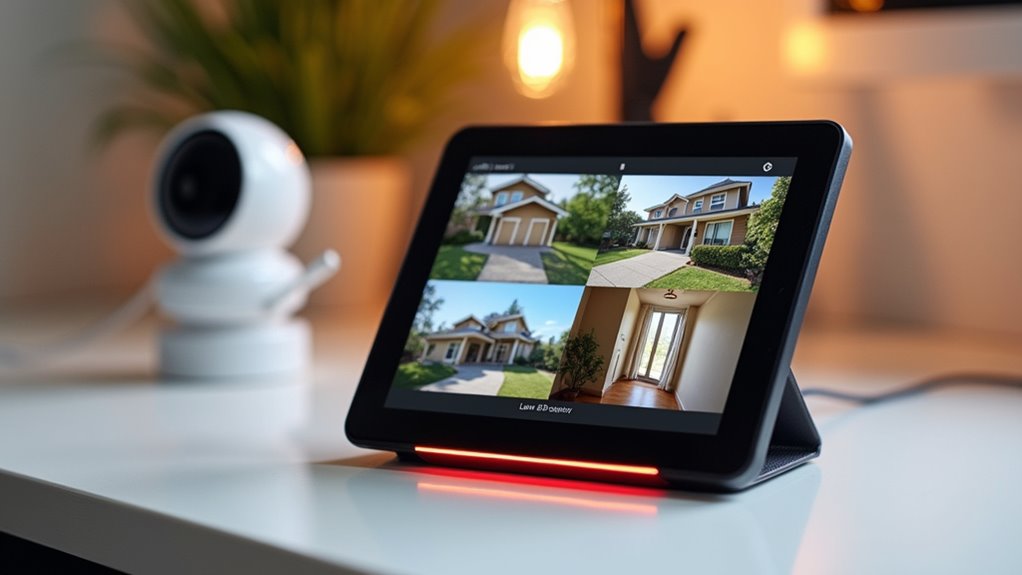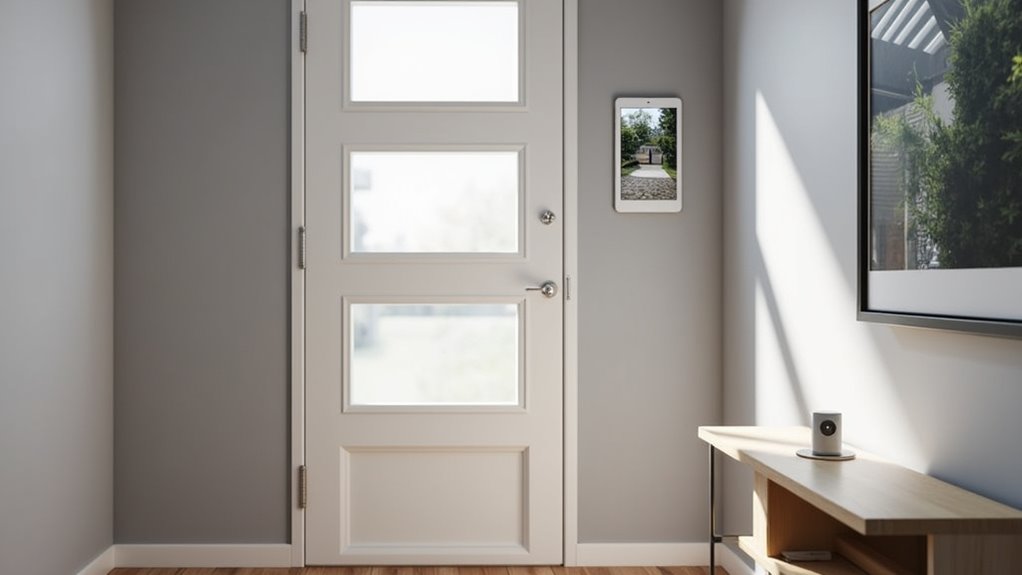
Most smart doorbells come with a catch: the monthly fee. Ring made video doorbells mainstream, sure. But then came the subscription model. Want to actually see your footage later? That’ll be ten bucks a month, thank you very much.
Here’s the thing. Plenty of doorbell cameras work perfectly fine without bleeding your bank account dry every month. They just don’t advertise as heavily.
Subscription-free doorbells exist and work great—they just don’t have Ring’s marketing budget.
Take Lorex doorbell cameras. Everything gets stored locally on microSD cards—no cloud required. You get HD video, infrared night vision, motion detection, and two-way audio right out of the box. Their secure app gives you access to live video and notifications without charging a dime. Your footage stays put unless you decide to share it. Privacy advocates tend to appreciate this setup, actually.
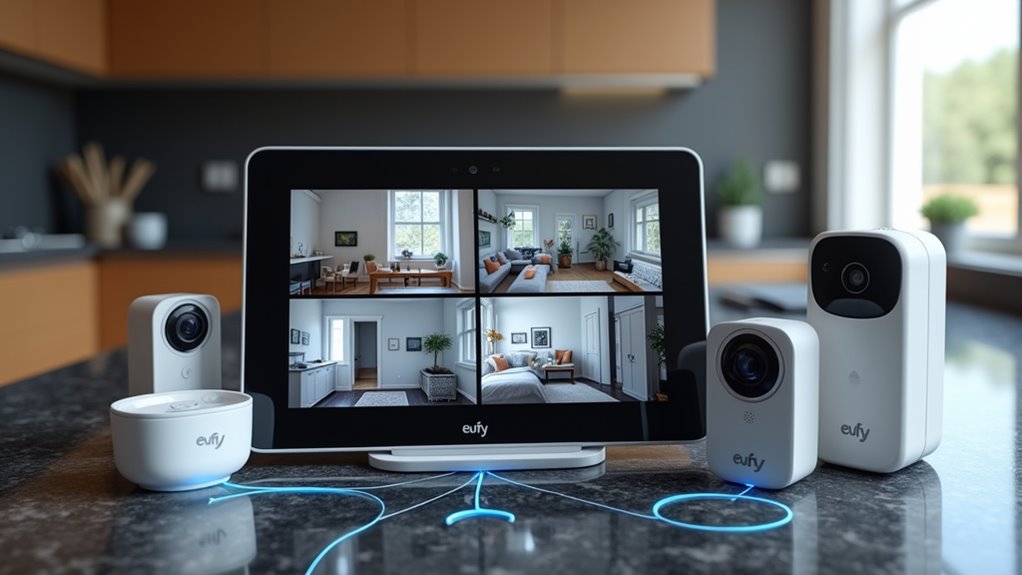
Eufy’s approach isn’t much different. They record 2K or 1080p video directly to the device or their HomeBase hub. Zero subscription fees for live video, recorded footage, or notifications. Even the advanced AI motion detection comes standard at the base price. Both Alexa and Google Assistant work with these things, and you can go wired or wireless depending on your setup.
Then there’s Wyze—probably your cheapest way in. Free local storage with microSD support, basic motion alerts, live streaming, two-way talk. All standard. You won’t get fancy facial recognition AI, but the person detection seems to work well enough for most folks. DIY installation is pretty straightforward if you’ve got typical home wiring. These devices connect through wireless protocols like Wi-Fi to integrate with your existing smart home ecosystem.
TP-Link’s Tapo doorbells don’t charge for the essentials either. HD video, two-way talk, motion alerts—it’s all there. Local microSD storage handles up to 256GB, and the app provides live view and instant alerts without any extra cost. Budget-friendly hardware that won’t nickel-and-dime you down the road.
Amcrest goes the always-on route with local storage via microSD. No ongoing fees whatsoever. Remote live view and push notifications come standard. Even SimpliSafe and similar DIY security doorbells let you self-monitor without contracts, though some of the fancier features might require payment.
The tradeoff? Most subscription-free doorbells probably won’t have those advanced AI features—package detection, facial recognition, that sort of thing. Those typically need cloud processing, which means servers, which means someone’s got to pay for them. Local storage may be less extensive than what you’d get with unlimited cloud plans, so you’ll need to manage your SD card space accordingly.
That said, if live video, motion alerts, and two-way audio are what you’re after, paying monthly makes zero sense. Self-monitoring works best for people who can actively monitor alerts themselves, rather than relying on professional monitoring services to contact emergency responders.