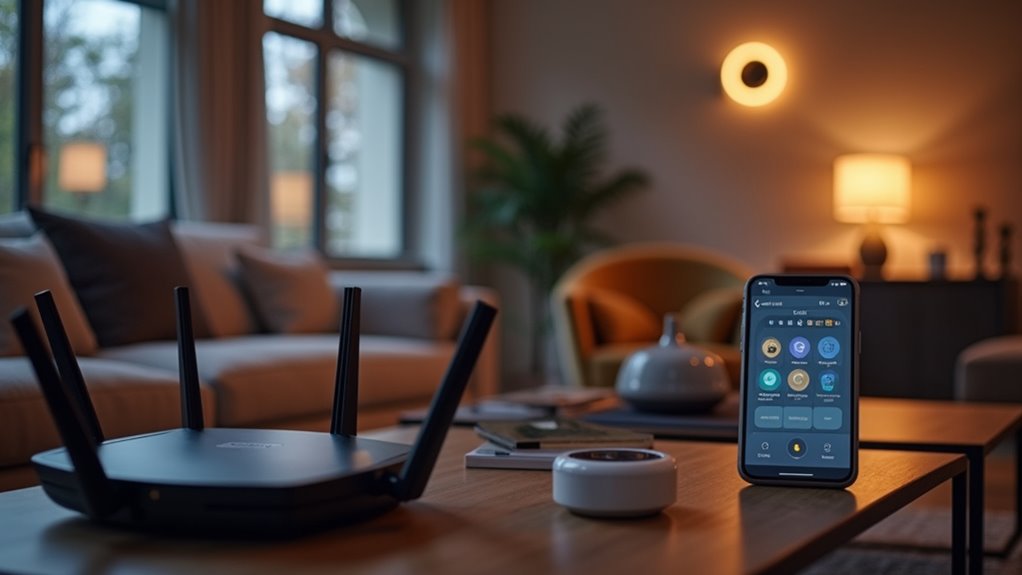

Setting up smart home Wi-Fi isn’t cheap. Basic systems start around $2,000 and can balloon to $7,000—even more with fancy kitchen gadgets. Mesh networks run $100-$300, while premium tri-band Wi-Fi 6 systems hit $400. Monthly internet? That’s another $35-$70. Sure, you’ll save on energy bills eventually. But when your Wi-Fi crashes, so does your entire smart home ecosystem. The true cost goes beyond dollars.

The cost of smart home Wi-Fi isn’t just about that $50 router anymore.
Today’s smart hub lifestyle comes with a supersized price tag to match your supersized expectations.
Today’s connected homes demand serious networking power, with typical homeowners shelling out between $2,000 and $7,000 for a basic smart setup. That’s right—seven thousand dollars. For lights that turn on when you clap.
The average Joe spends about $5,500 getting started. This covers your smart hub, some fancy lights, locks, and a thermostat for three rooms. Many homeowners choose the Eero 6 Plus for reliable coverage throughout their homes. Want a kitchen that practically cooks for you? Add another $6,000 to $16,000. Size matters too. Bigger house, bigger bill. Simple math.
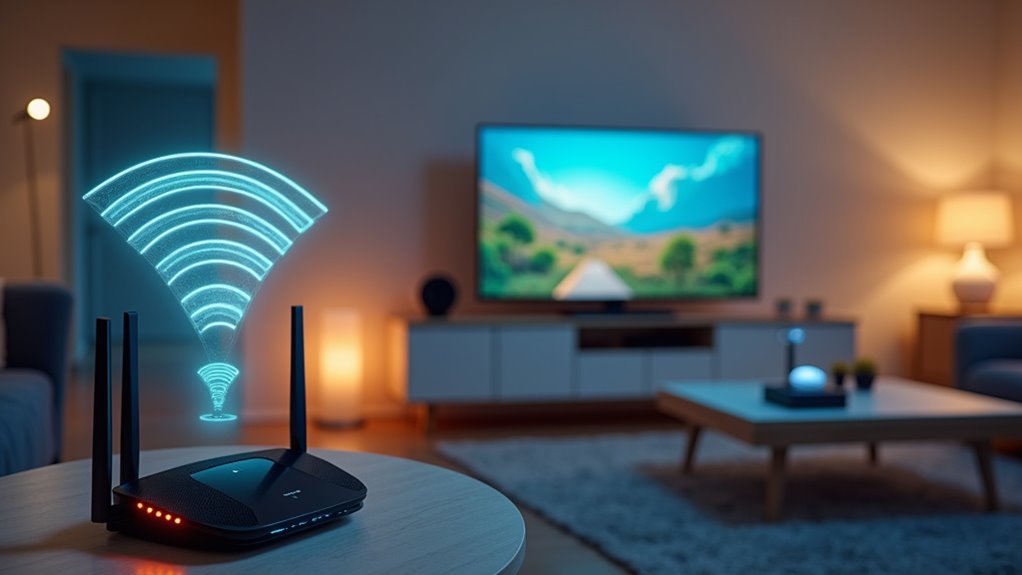
Equipment pricing varies wildly. Sure, you can grab a basic router for $50, but who wants basic? High-performance systems easily exceed $500. Mesh Wi-Fi systems, those sleek little pods that blanket your McMansion in sweet, sweet internet, run $100 to $300 for decent coverage. Fancy a tri-band Wi-Fi 6 system? That’ll be $220 to $400, please and thank you.
Monthly costs pile up fast. 5G home internet plans range from $35 to $70 monthly. Verizon starts at $50 with no equipment fees or contracts. T-Mobile’s “ALL-IN” plan costs $70 but throws in streaming perks. How generous. T-Mobile boasts J.D. Power recognition for highest customer satisfaction in national wireless home internet service.
The real kicker? Smart homes need robust Wi-Fi. Dead spots mean dead smart devices. Security experts recommend separate networks just for your smart gadgets. Another router. More money. Understanding network types like Wi-Fi, Zigbee, and Z-Wave can help you choose the right solution for different areas of your home.
There are ways to trim costs. Bundle internet with mobile plans and save up to $240 yearly. Self-installation saves service charges. Energy-efficient smart homes eventually offset costs through lower utility bills. Eventually.
The downside? Total dependency on Wi-Fi. Internet goes down, your house basically lobotomizes itself. Many devices can’t be operated manually. Imagine being locked out because your door forgot how to door.
Smart home Wi-Fi isn’t cheap. But for those who’d rather talk to their house than their neighbors, it’s the price of progress.
Did You Know
Can I Use My Existing Router for a Smart Home Setup?
Most existing routers work fine with smart homes.
Newer models with dual-band or tri-band Wi-Fi handle multiple devices better. Older routers? They might struggle.
Position matters—central placement reduces dead zones. For larger homes, mesh systems or extenders boost coverage without replacing everything.
Firmware updates help. Some smart devices need hubs that connect to the router.
Bottom line: it works, but performance varies based on router specs and home size.
How Does Mesh Wi-Fi Differ From Traditional Wi-Fi Systems?
Mesh Wi-Fi uses multiple nodes that talk to each other, creating a blanket of coverage throughout homes.
Traditional systems? One router doing all the work.
Mesh maintains consistent speeds everywhere while traditional routers get weaker with distance.
Walls are kryptonite for traditional Wi-Fi.
Mesh systems are ridiculously easy to set up with user-friendly apps.
They’re pricier upfront but worth it for larger spaces.
Traditional works fine for small apartments.
Will Smart Home Devices Slow Down My Internet Speed?
Smart home devices can absolutely tank your internet speed. Each gadget gobbles up bandwidth—security cameras are the worst offenders.
Even idle devices run background processes. The math is simple: more devices equals slower performance for everyone.
Older routers make this worse. They weren’t built for today’s connected homes.
Solutions exist. Upgrade your router, create dedicated networks, or schedule updates during off-hours.
Do Smart Devices Work Without Internet if Wi-Fi Goes Down?
Some smart devices keep working without internet, others become expensive paperweights. It depends on their design.
Devices using Zigbee, Z-Wave, or Bluetooth with local hubs can perform basic functions offline.
But anything cloud-dependent—voice assistants, security monitoring, remote access—stops working. Period.
Smart thermostats might retain schedules, but lose adaptive features. Security cameras may still record locally to SD cards.
No internet, limited smartness. That’s the deal.
Are There Monthly Subscription Fees for Smart Home Systems?
Most smart home Wi-Fi systems don’t require monthly fees beyond your regular internet service.
Buy the hardware once, you’re done. Simple.
Some systems, though? They’ll nickel-and-dime you.
T-Mobile charges $40-70 monthly for their fancy plans.
Companies love pushing “premium features” for extra cash.
The truth? Basic functionality rarely needs subscriptions.
Advanced security, parental controls, or fancy automation? That’s where they get you.