Setting up a Yale Smart Home Alarm starts with positioning the Smart Hub centrally and connecting it to your router. Next, mount motion sensors at 1.8-2.1 meters high, preferably in corners. Install door contacts on entry points after removing battery tabs. Download the Yale Home app, create an account, and follow setup instructions. The wireless system lets you arm, disarm, and receive alerts from anywhere. Proper placement guarantees effective protection when you’re not around.

Every homeowner wants peace of mind. The Yale Smart Home Alarm System delivers exactly that—without requiring an engineering degree to install. This wireless security solution connects to your existing broadband, giving you control from anywhere. No more wondering if you remembered to set the alarm. Now you can check from your phone while sipping margaritas on vacation.
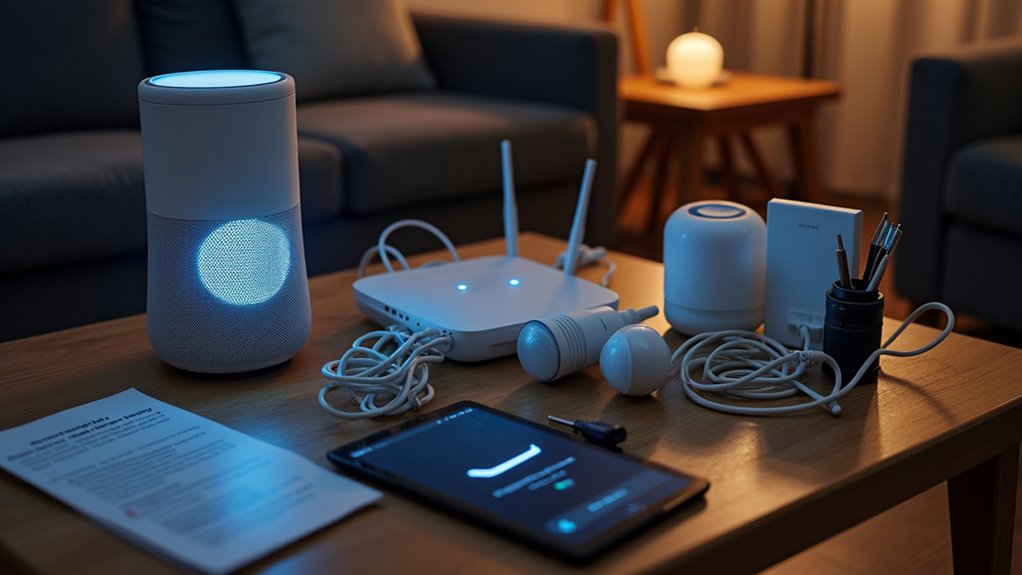
Installation starts with the Smart Hub, the brains of the operation. Plug it in, connect the Ethernet cable to your router, and activate the backup battery. That backup battery is vital, by the way. Power outages happen. Burglars know this. Yale knows better. Mount the hub centrally for ideal connectivity—not in some forgotten corner behind your exercise equipment you never use.
The accessories need proper placement too. Motion sensors work best when mounted 1.8 to 2.1 meters high, preferably in corners. They can see more that way. Door contacts go on entry points—shocking, right? Remove those plastic battery tabs first, unless you enjoy security equipment that doesn’t function. The system is designed with wire-free components for easy installation throughout your home. The integration with AI technology enhances the system’s ability to differentiate between normal household activities and potential security threats.
Strategic placement makes all the difference. Your sensors can’t protect what they can’t see.
The Yale Home app ties everything together. Download it, create an account, and follow the prompts. It’s not rocket science. The app lets you arm, disarm, and receive alerts when something triggers the system. Your teenager sneaking in after curfew? Busted. You can manage multiple user access through the guest management feature in the Yale Home app.
Don’t forget the siren—it’s what makes the bad guys run away. Mount it visibly outdoors, but keep it away from direct elements. Rain and electronics don’t mix well.
Once everything’s connected, testing is non-negotiable. Trigger each sensor. Make sure notifications arrive properly. Check that the siren works—maybe warn the neighbors first.
Maintenance is minimal but necessary. Replace batteries when warned. Keep the hub area clear of interference. Check connections periodically. The system is smart, but it’s not magic. Give it what it needs, and it’ll keep your home secure. Simple as that.
Did You Know
Can Yale Alarms Integrate With Other Smart Home Systems?
Yale alarms integrate with several smart home systems. They’re compatible with Amazon Alexa and Google Assistant for voice control.
The systems work with Philips Hue lighting to flash red during intrusions. Samsung SmartThings connectivity allows broader device communication. Yale’s partnerships keep expanding the integration options. Everything runs through the Yale Home app.
Pretty comprehensive setup, actually. The alarm system uses backup cellular communication if internet fails. Convenient and reliable.
How Long Do the Batteries Last in Yale Alarm Components?
Yale alarm batteries last quite a long time. Most accessories run 18-24 months before needing a change.
Some components really shine – outdoor sirens last 3 years, smoke sensors a whopping 10 years with sealed batteries. Usage matters, of course. Heavy traffic areas drain faster. Extreme weather hammers outdoor components.
The app sends alerts when power’s running low, so no sudden failures. Pretty convenient, really.
Is Professional Monitoring Available With Yale Smart Alarms?
Yes, professional monitoring is available with Yale Smart Alarms, but it’s not a default feature. It comes as part of optional subscription plans.
These plans include cellular backup communication—pretty essential when your internet decides to take a day off. The service notifies up to three emergency contacts when alarms trigger.
Not quite the comprehensive 24/7 monitoring some competitors offer, though.
Integration with smart ecosystems adds extra functionality.
What Happens During a Power Outage With Yale Systems?
Yale systems stay functional during power outages thanks to backup batteries. The Smart Hub’s dedicated battery keeps the system running.
Sensors and alarms continue to operate, including tamper protection and local sirens.
One catch though—internet-dependent features might go down if your router lacks backup power. No internet means no remote monitoring or app notifications.
Smart move: keep those backup batteries maintained and switched on.
Can I Add Additional Sensors to My Yale System Later?
Yes, the Yale Smart Alarm system supports up to 40 accessories. Pretty generous, right?
Additional sensors—motion detectors, door contacts, smoke alarms, you name it—can be added wirelessly through the Yale app. Just use the “Add Device” feature.
The process is straightforward: pair the sensor with your hub, and you’re good to go. Pre-configured devices mean minimal setup hassle. Perfect for expanding coverage as needs change.