
Managing smart home devices isn’t rocket science. Start with compatible gadgets that work with one ecosystem—Alexa, Google, or Apple. Avoid digital clutter by centralizing control through a hub. Update firmware regularly, use strong passwords, and enable two-factor authentication to prevent hacking. Set up automated routines based on schedules or triggers. Regular maintenance keeps everything running smoothly. A properly managed smart home offers convenience without the headaches that plague the tech-challenged.

Countless homeowners find themselves drowning in a sea of smart devices these days. The living room light won’t turn on. The thermostat keeps freezing. The doorbell camera catches every passing squirrel but misses actual visitors. It’s chaos out there, folks.
But there’s a method to this madness, and it starts with choosing the right equipment.
Smart device selection shouldn’t be a shopping spree. Focus on compatibility with your preferred ecosystem—Amazon Alexa, Google Assistant, or Apple HomeKit. Nobody wants fifteen different apps controlling fifteen different gadgets. That’s just digital clutter.
Before turning your home into a tech catalog, remember: one ecosystem means one less migraine.
Prioritize interoperability through common protocols like Wi-Fi, Z-Wave, or Zigbee. Start with essentials: lighting, thermostats, security cameras. The fancy stuff can wait.
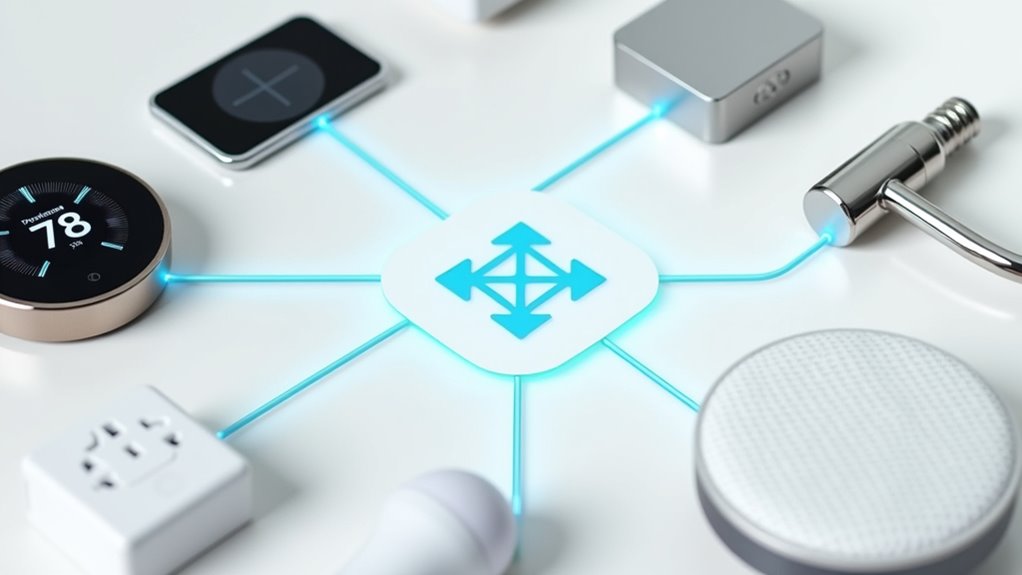
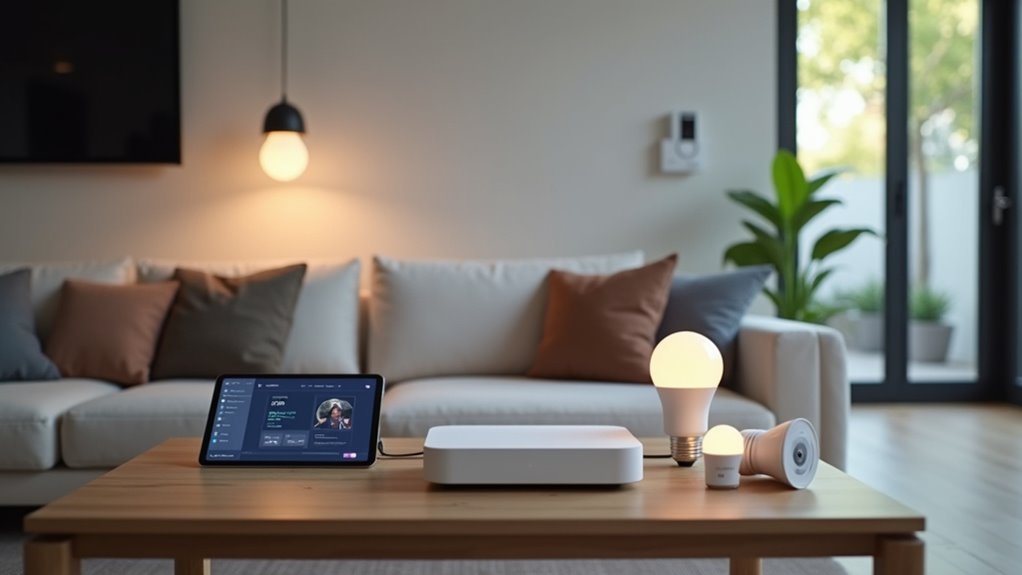
Centralization is key. A hub like Amazon Echo or Google Home brings order to technological anarchy. One interface. One control center. One less headache.
Make sure it speaks to all your devices. Update it religiously.
Security matters. Smart doesn’t mean safe. Use strong passwords. Enable two-factor authentication. Update firmware regularly. Hackers love outdated gadgets—don’t give them the satisfaction.
Energy efficiency isn’t just for tree-huggers. Smart thermostats adjust temperatures automatically. Smart bulbs and plugs reduce consumption. With demographic shifts toward single-person households and an aging population, energy conservation services are becoming increasingly important. Automation kills energy vampires. Your utility bill will thank you.
Automations transform a collection of gadgets into an actual smart home. Schedules. Routines. Triggers. The possibilities are endless.
Lights that know when you’re home. Doors that lock themselves. Technology working for you, not against you.
Maintenance isn’t optional. Update firmware. Clean cameras. Replace batteries. Check connections. A neglected smart home becomes a dumb home fast.
When things go wrong—and they will—consult manuals or support forums. Sometimes a factory reset is the only solution. Implementing voice command capabilities can significantly improve usability for elderly or disabled individuals.
The emerging Matter standard promises to simplify compatibility between different brands, making future smart home expansions less complicated.
Technology fails. It’s what it does. But with proper management, your smart home can be more helpful than headache-inducing. Most of the time, anyway.
Did You Know
Can Smart Home Devices Be Hacked?
Smart home devices are shockingly vulnerable to hacking. About 80% lack adequate security features.
Cybercriminals use man-in-the-middle attacks, device hijacking, and exploit weak passwords to gain control. Pretty scary stuff.
Once compromised, attackers can steal personal data, disable alarms, manipulate door locks, or even spy on households.
Most devices continue operating normally during attacks. Makes detection nearly impossible. The connected nature of smart homes creates a domino effect of vulnerabilities.
Do Smart Devices Increase Electricity Bills?
Smart devices increase electricity bills in some ways, decrease them in others. Truth is, they consume “phantom energy” while on standby mode.
Those voice assistants and security cameras? They’re constantly sipping power.
But smart thermostats and LED lighting systems cut energy use significantly – up to 15% for heating and 75% for lighting.
The real kicker? Multiple devices add up over time. Do the math.
What Happens if My Wi-Fi Goes Down?
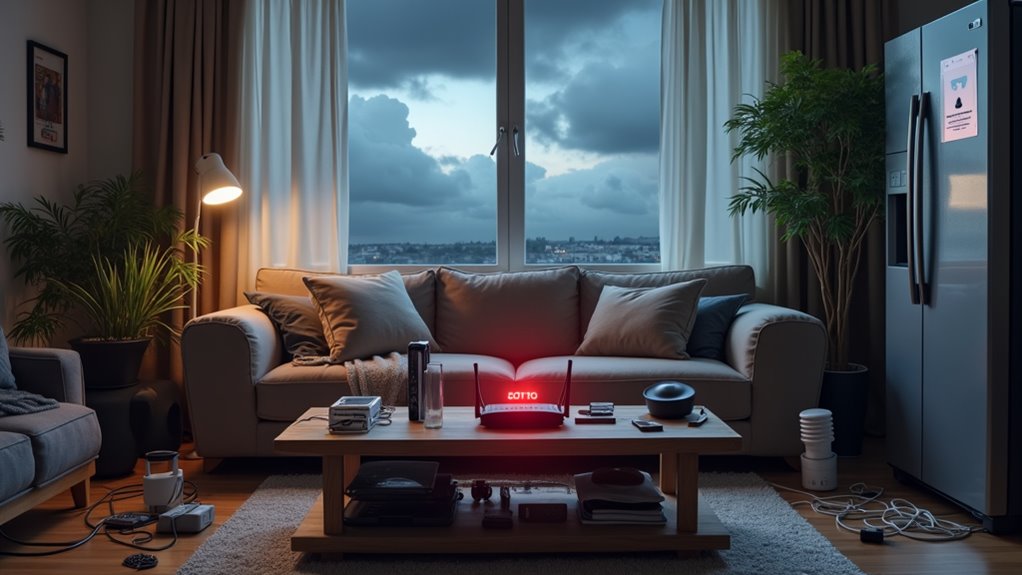
When Wi-Fi crashes, smart homes get dumb fast. Devices dependent on internet connections simply stop working. Period. Security systems can’t alert you, thermostats revert to basic settings, and voice commands fall on deaf ears.
Some devices with Z-Wave or Zigbee protocols might stay functional through local networks. Others? Total brick mode.
Reconnection isn’t always smooth either. Some gadgets require manual intervention, others reconnect automatically. Router quality makes a huge difference.
Are Voice Assistants Always Listening to Conversations?
Voice assistants aren’t recording everything you say.
They’re listening—but just for wake words like “Hey Siri.”
Only after hearing that magic phrase do they start recording and transmitting data.
Sure, mistakes happen.
Sometimes they hear phantom wake words when nobody said anything.
Those recordings might get reviewed by actual humans, which is…uncomfortable.
Companies store this stuff to make their AI smarter, not to spy on your dinner plans.
Probably.
Can I Use Different Brands Together Seamlessly?
Mixing brands in a smart home? Technically yes, but with caveats.
Different devices can work together through universal protocols like Zigbee or Z-Wave. Smart hubs like SmartThings or Amazon Echo act as translators between various ecosystems.
The Matter standard is making cross-brand integration smoother.
Still, some functionality might get lost in translation. Companies love their walled gardens, after all.
Research compatibility before buying to avoid headaches later.